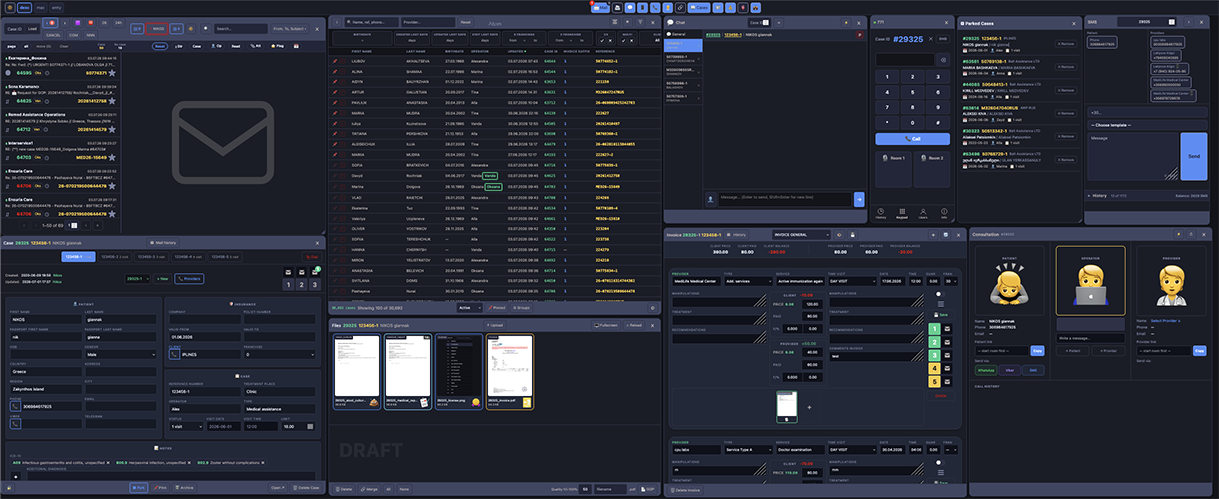
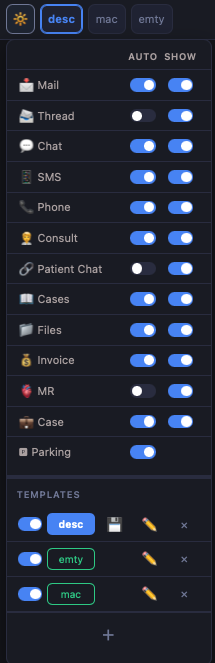
Every module opens as a window on a single desktop — arrange, resize and work across cases, mail, chat, calls and payments at the same time.
- Windowed multi-panel desktop
- Any module side by side
- Layout saved per operator
More about One workspace →
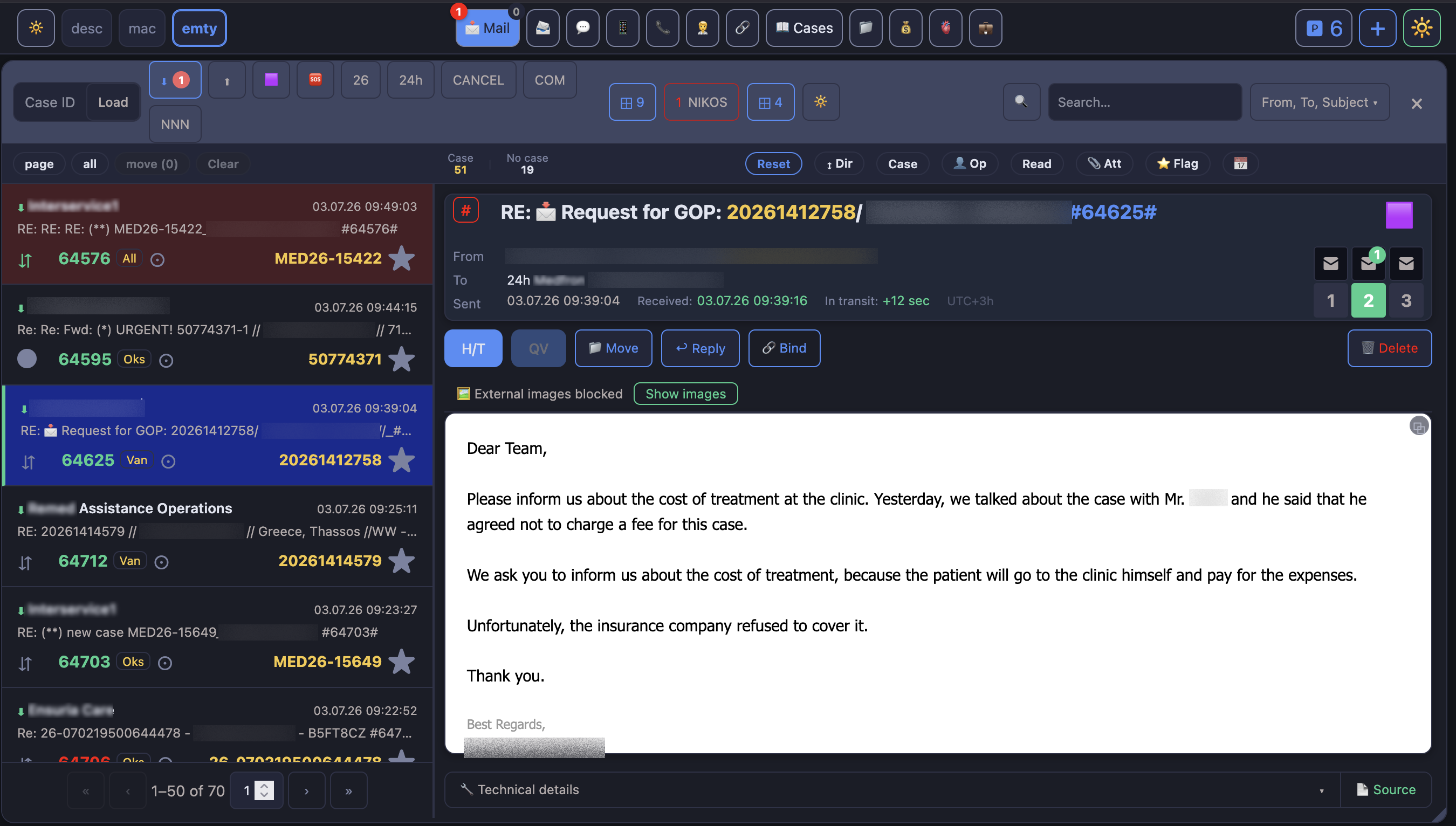
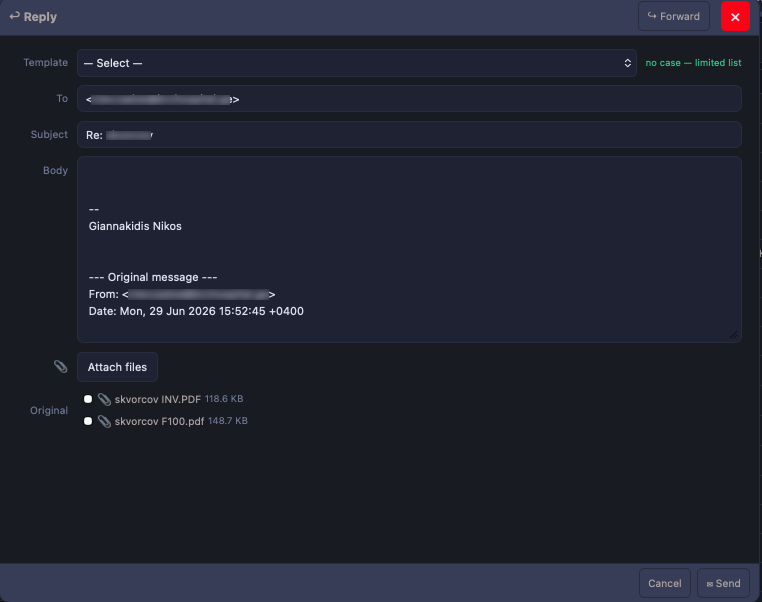
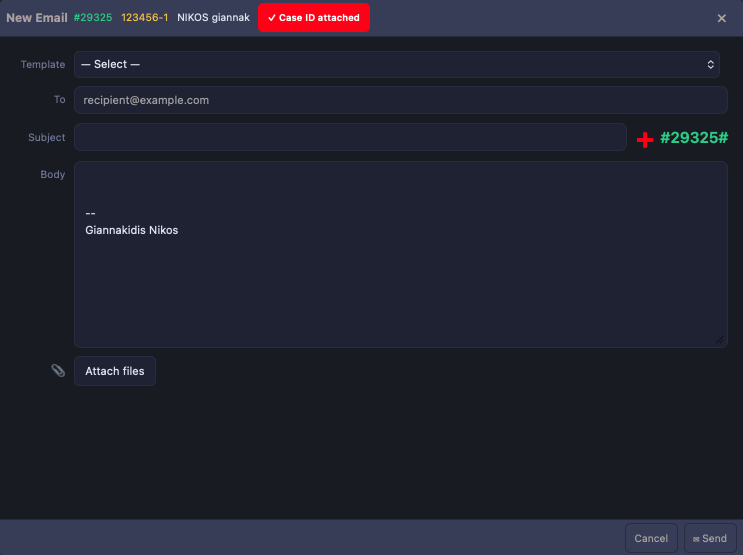
IMAP webmail with per-case email threads. Messages land on the right case on their own.
- Subject-tag detection
- Client & provider matching
- Virtualised large mailboxes
More about Mail →
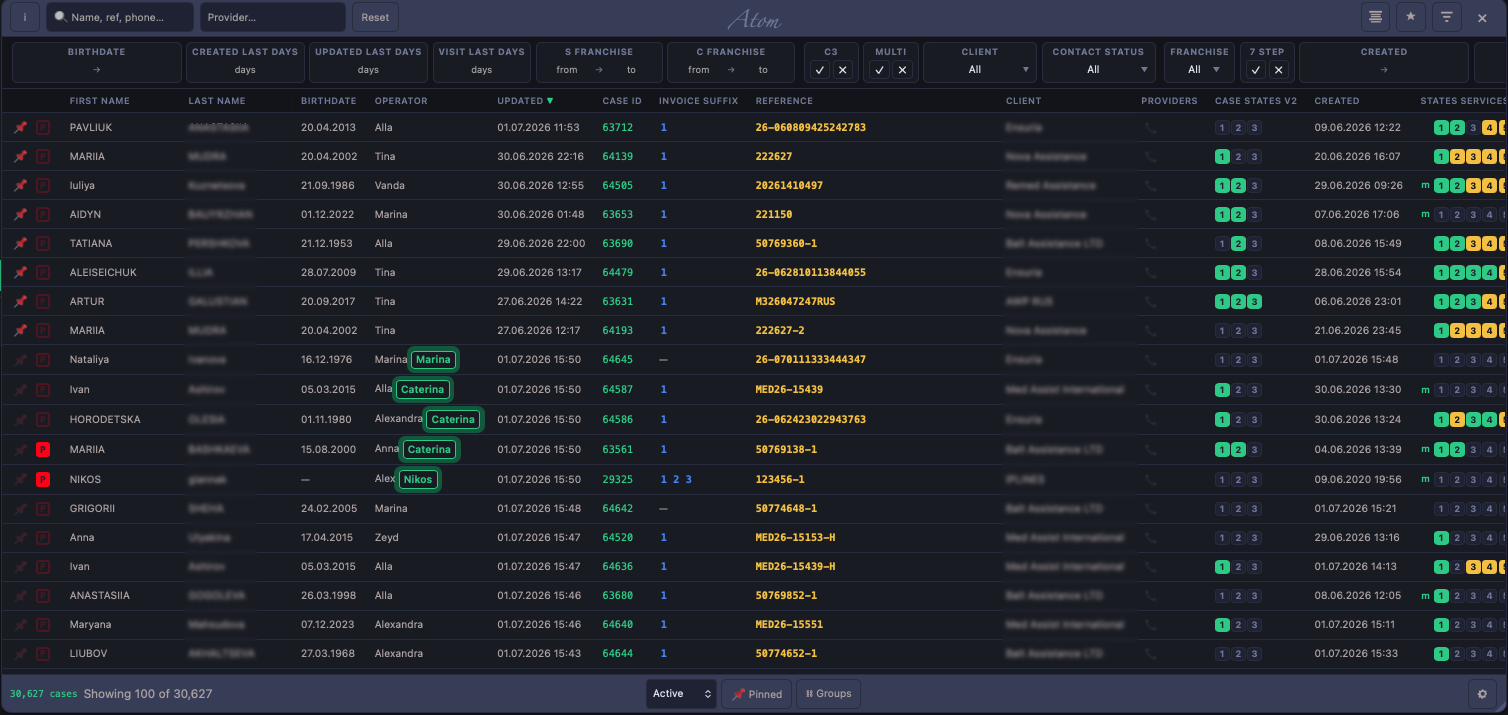
Every case in one scrolling list, filtered and grouped exactly how you work.
- Birthdate & financial filters
- Automatic related-case grouping
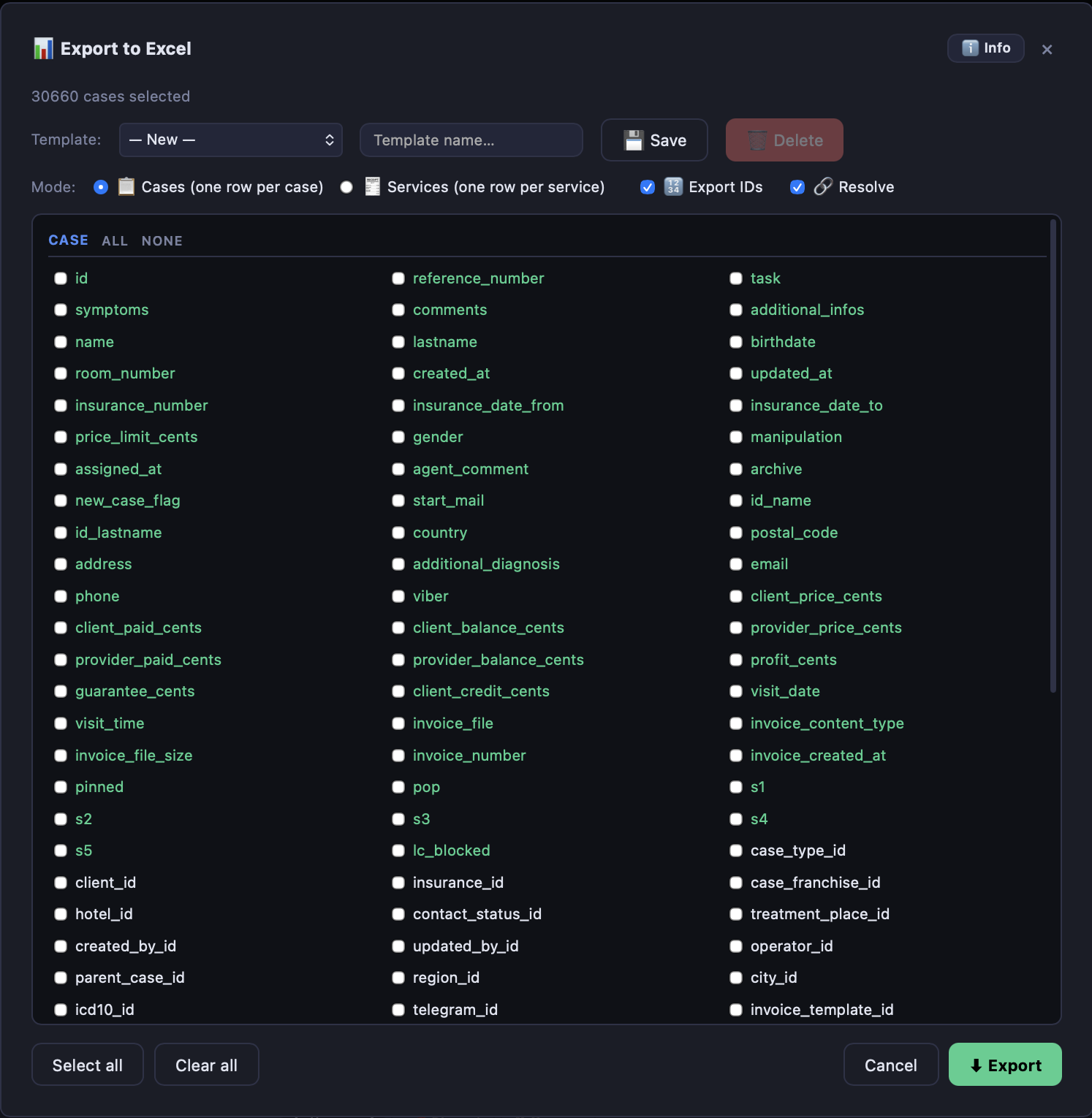
- Export what you filtered
More about Cases →
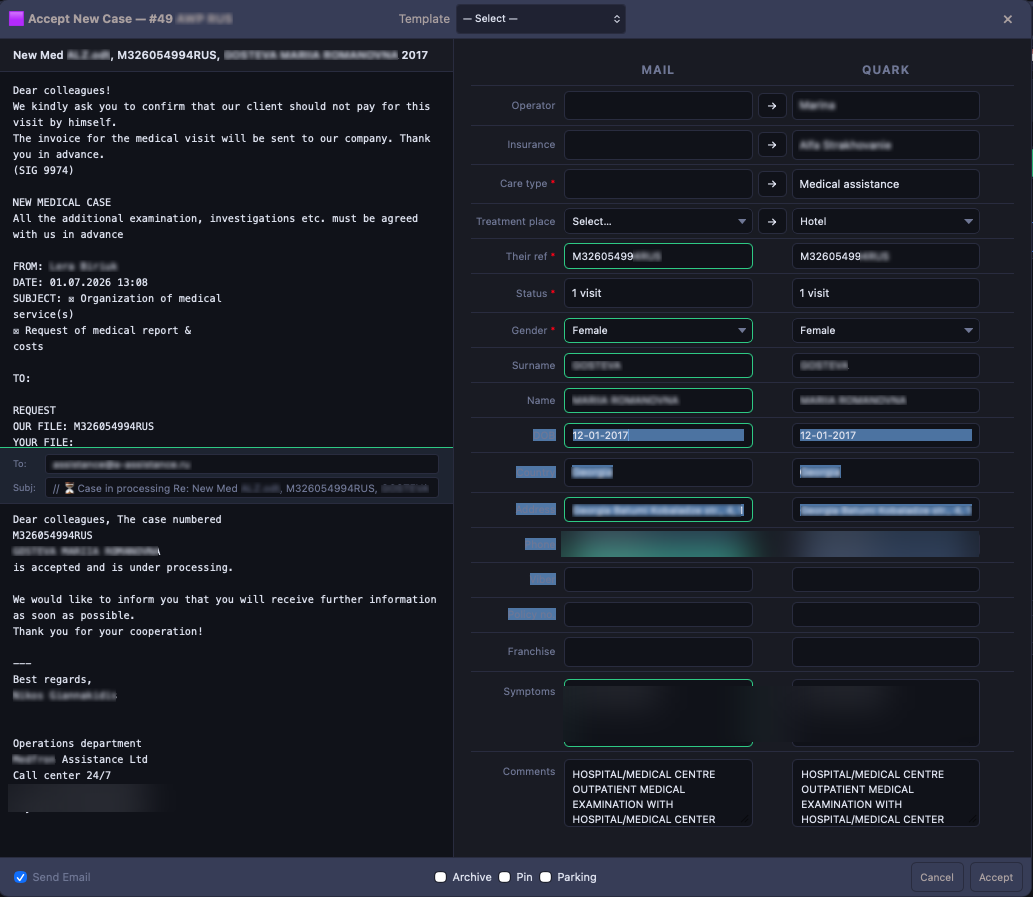
Turn an incoming assistance email into a case — fields parsed from the message and shown mail-vs-Quark, edit, then accept.
- Email parsed into case fields
- Side-by-side mail vs Quark
- Accept, archive or park in one click
More about Case intake →
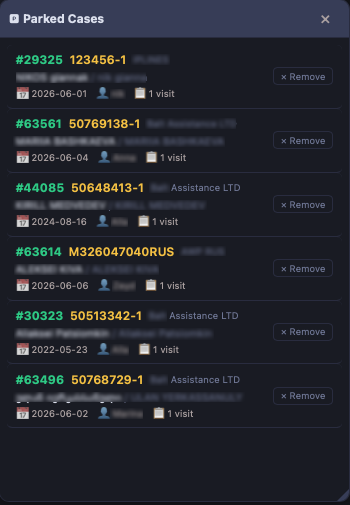
Set cases aside and pick them back up — a shared parking lot for the whole team.
- Park with one click
- Shared across operators
- Reopen where you left off
More about Parking →
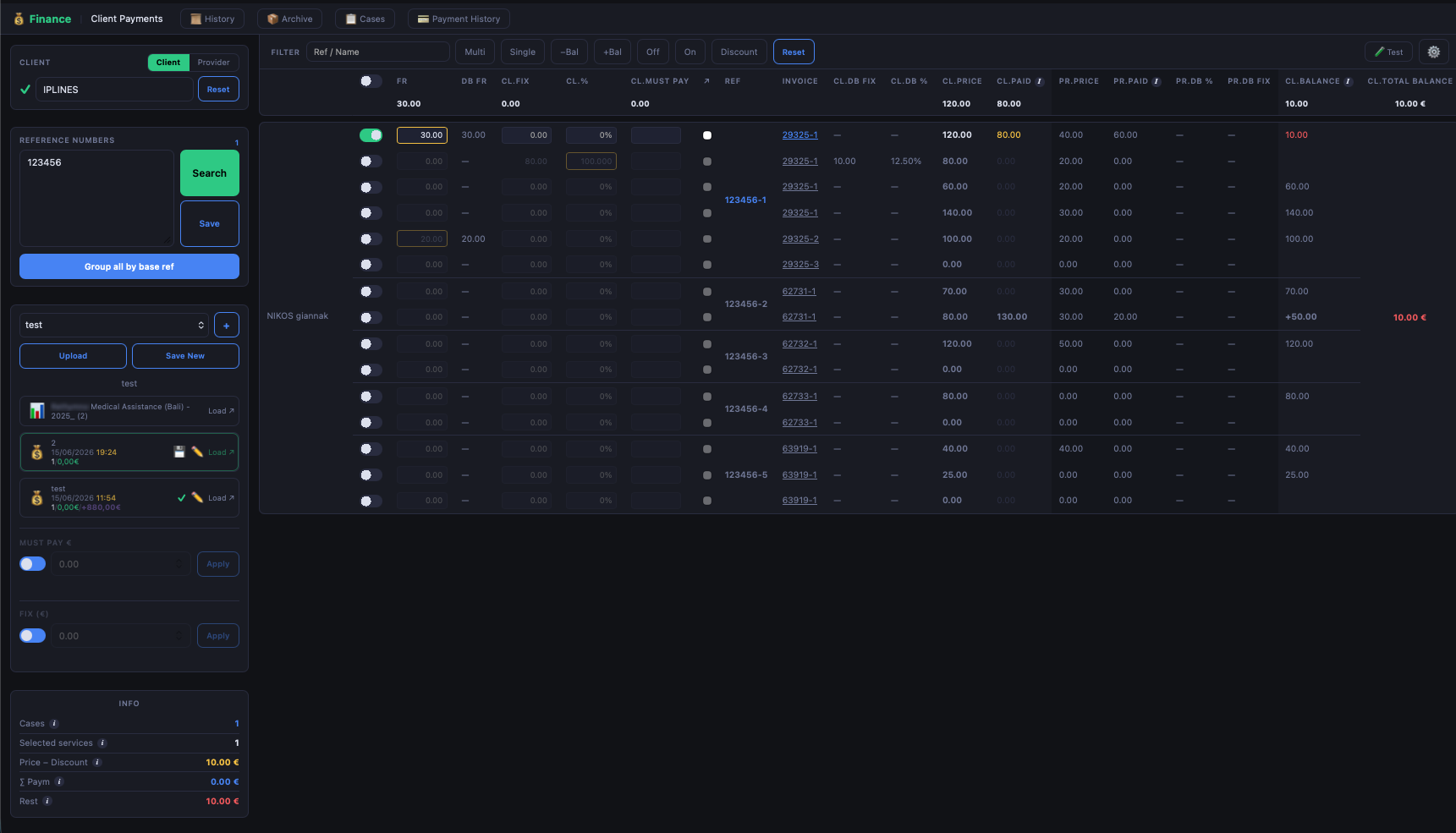
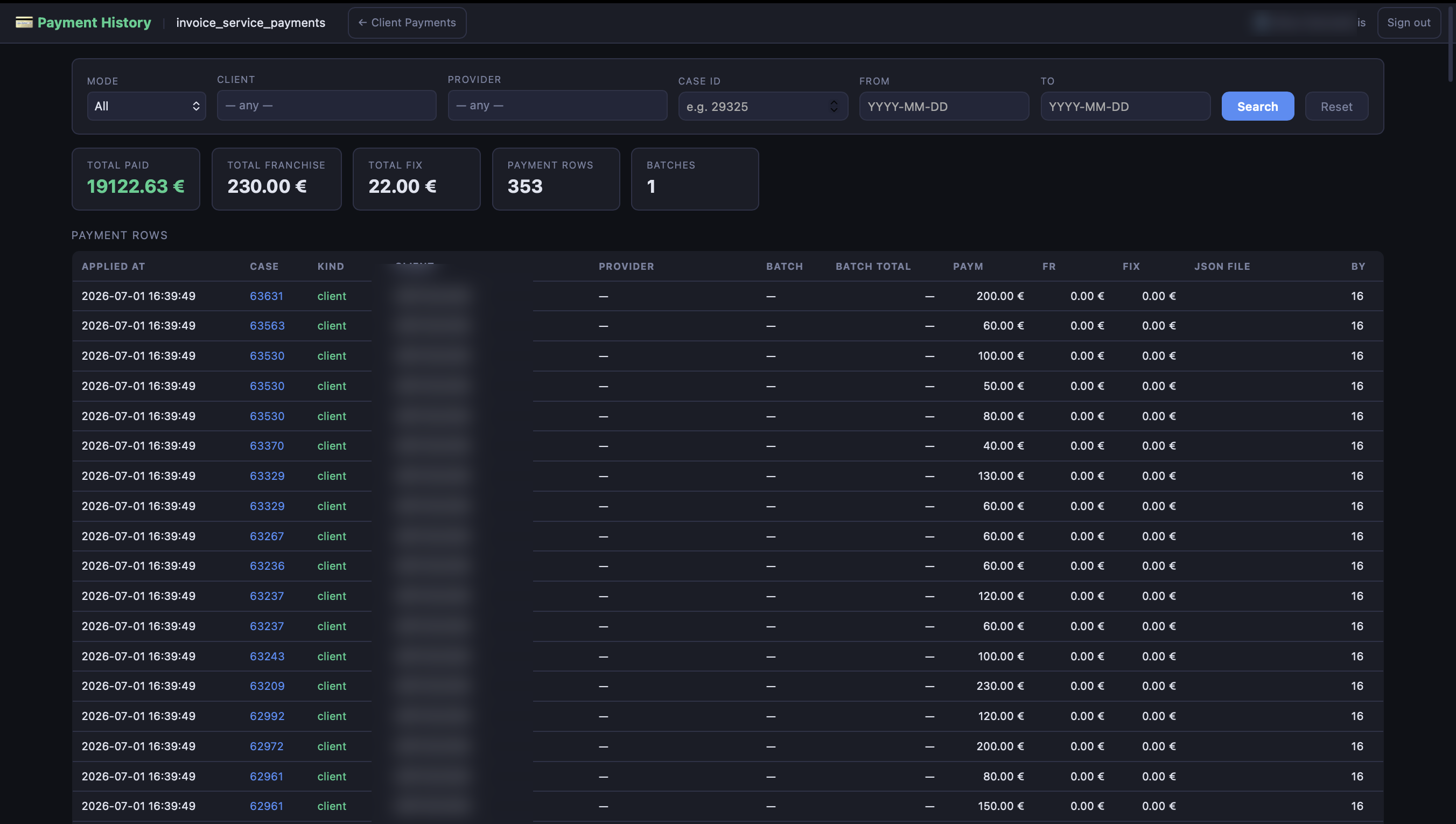
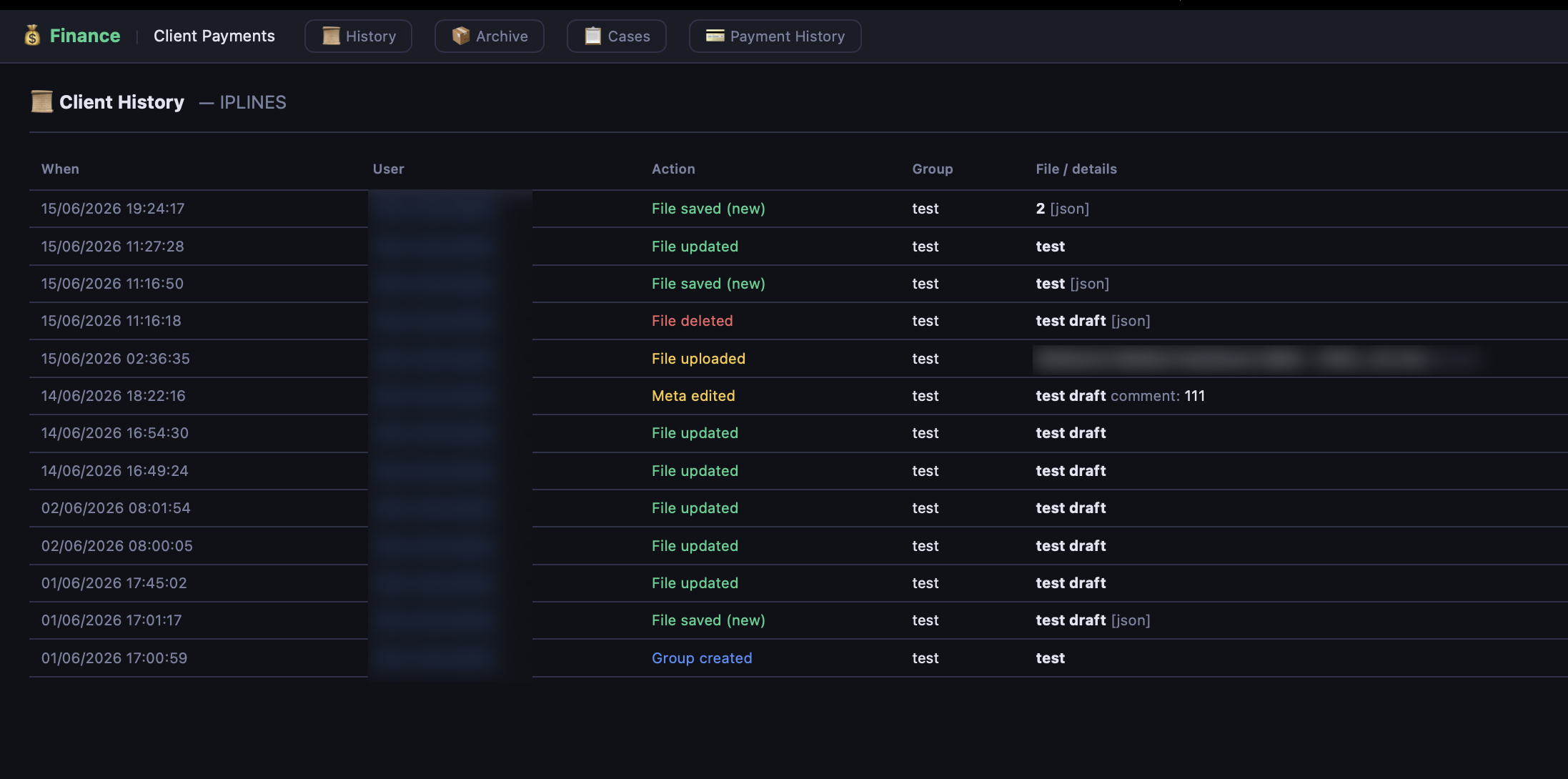
Client and provider payments tracked against every case — balances, partial payments, discounts and settlements in one live ledger.
- Client & provider ledgers side by side
- Partial payments, discounts & must-pay
- Group by base reference, running balances
More about Finance →
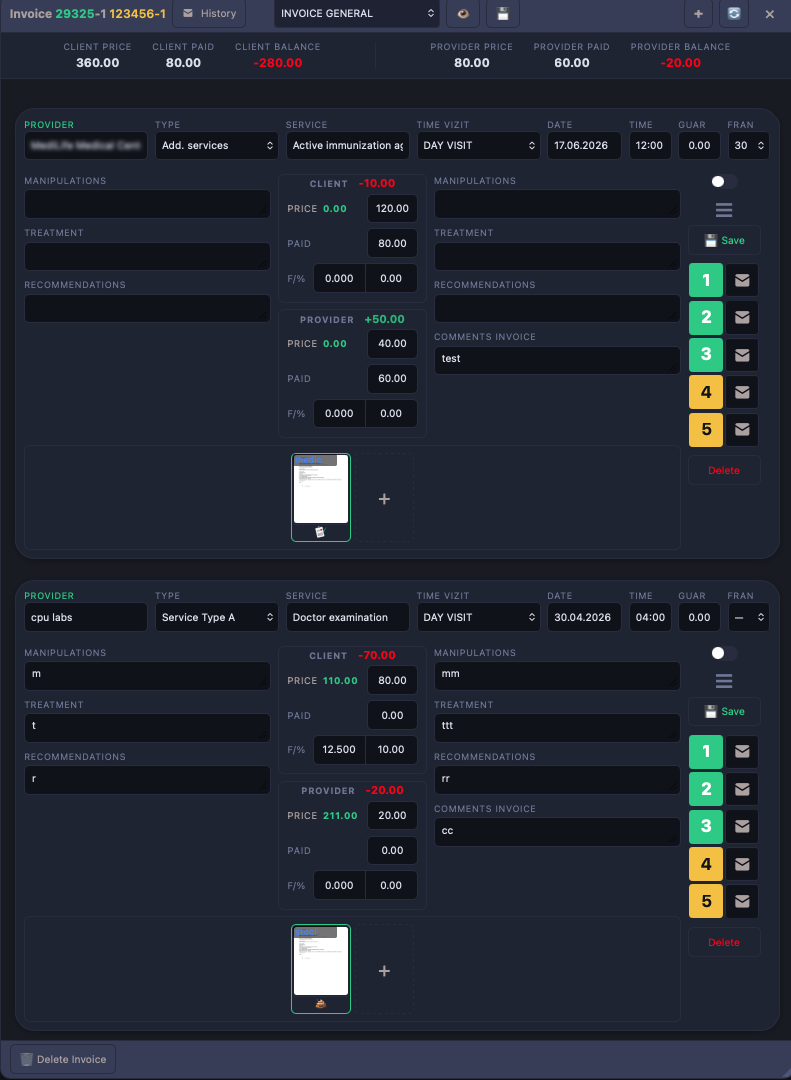
Multiple invoices per case with client and provider figures, and profit as you type.
- Live margin calculation
- Proforma & final invoices
- Branded PDF from templates
More about Invoice →
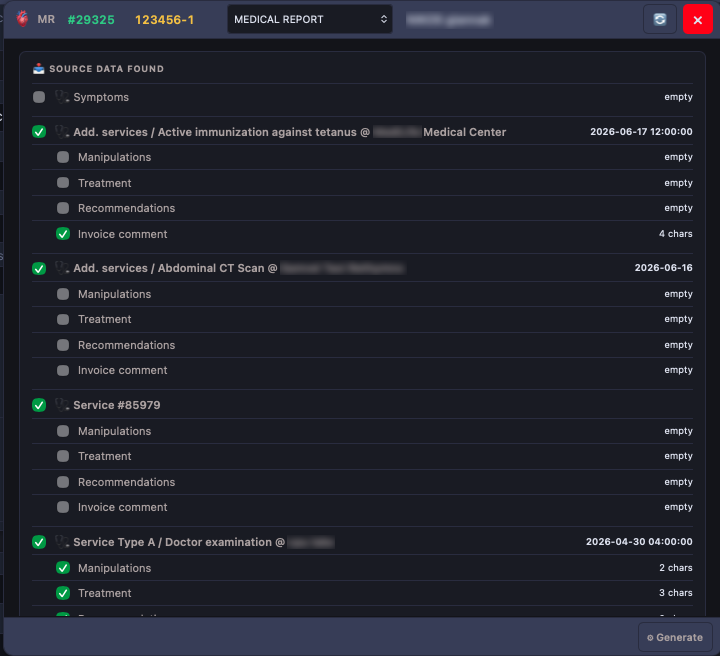
Draft a medical report with AI, code it, verify identity and export a clean PDF.
- AI-assisted drafting
- ICD-10 coding
- Passport verification
More about MReport →
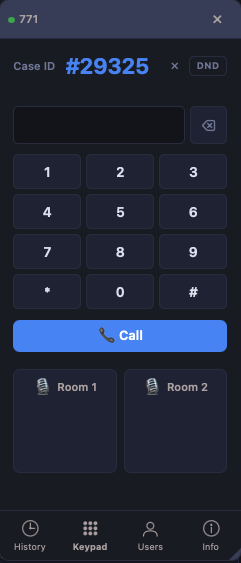
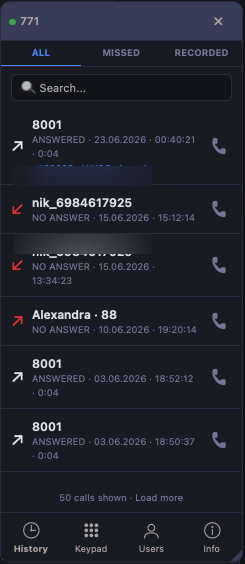
A WebRTC softphone in the browser. Click a contact to dial, no handset required.
- Runs on Asterisk
- Click-to-call contacts
- Full call history
More about Phone →
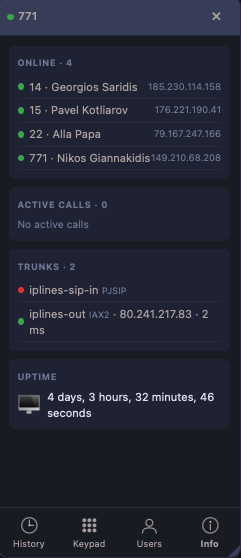
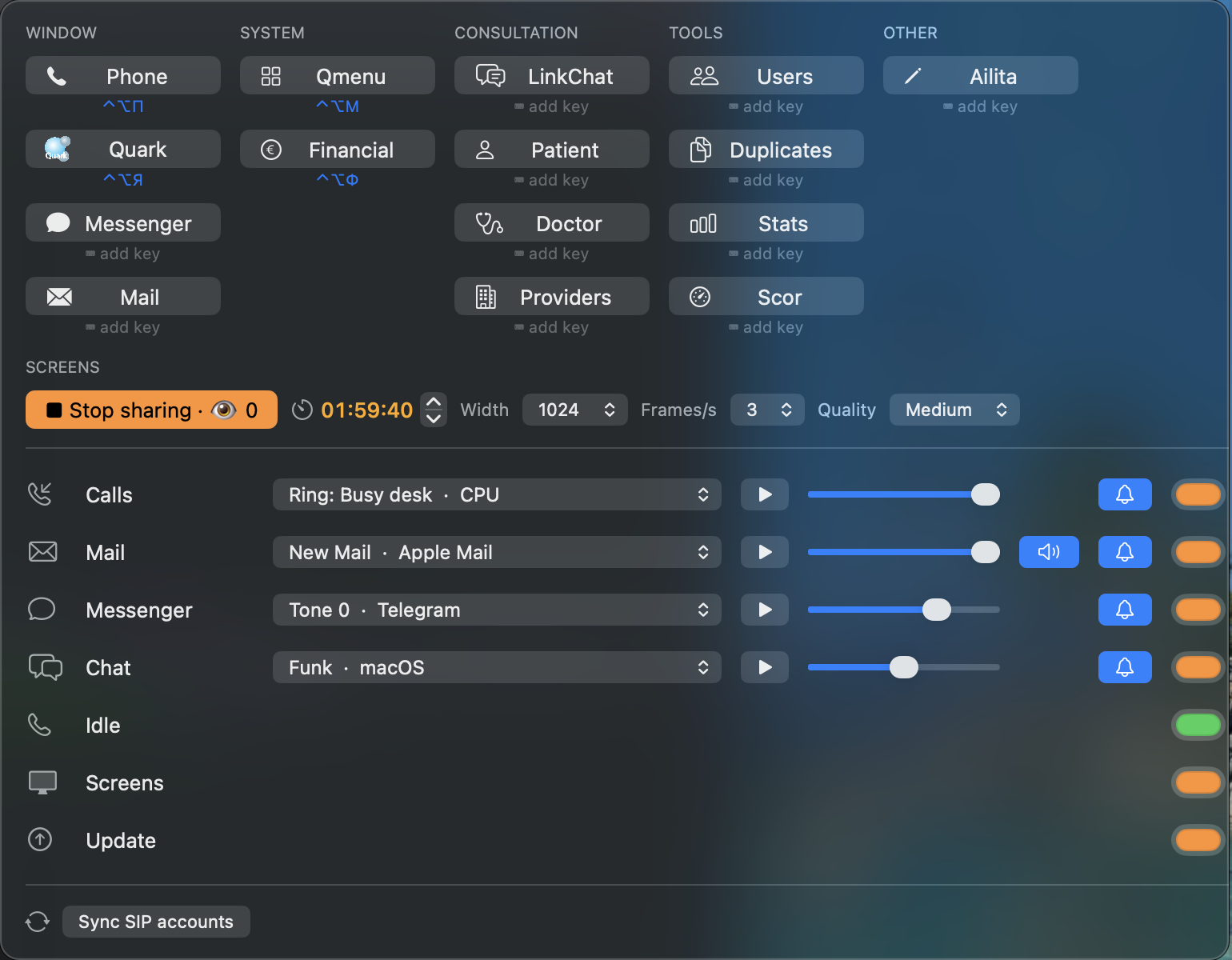
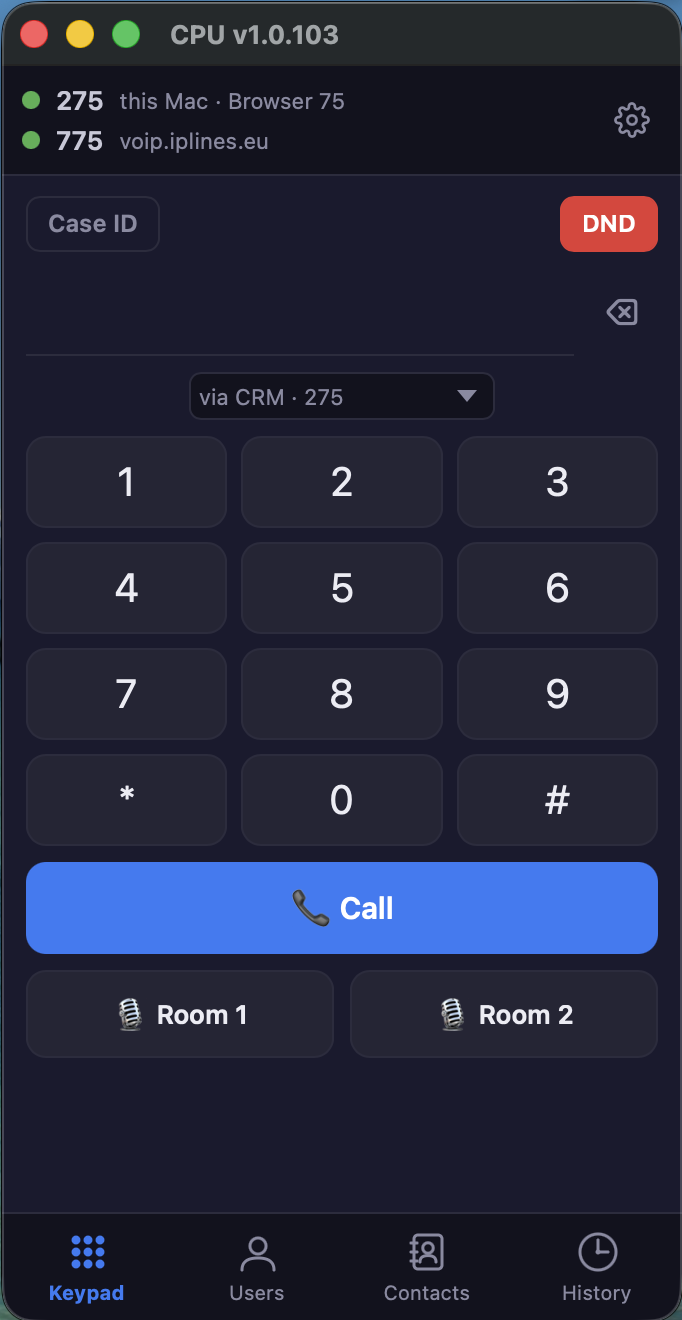
Our own app for the Mac: the phone and the whole Quark system in separate windows, no browser. Calls, messages, mail and alerts in one program, with a menu next to the clock.
- SIP phone: several lines, Opus/G.711, echo cancellation, headsets & AirPods, transfer & hold, Do Not Disturb
- Two conference rooms; call from a case card, every call linked to its case
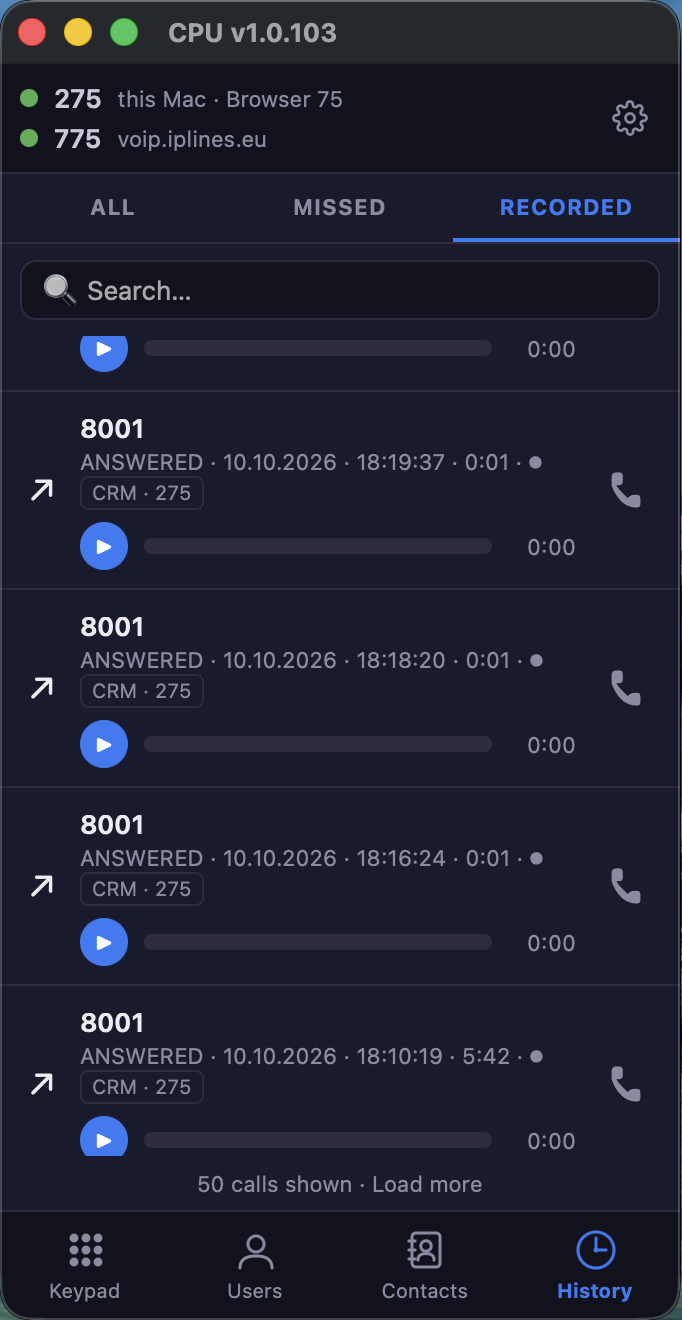
- Call history with recordings, search and call back; colleagues & contacts
- Separate Quark, Messenger (WhatsApp + Telegram) and Mail windows
- Menu next to the clock: any window in one click, its own shortcut for each
- Alerts per channel — calls, mail, Messenger, chat: own sound, volume, new mail read aloud
- Screens: share your screen live with a colleague — timer, size, frame rate, quality, viewer count
- One build for every Mac — all Apple chips, M5 and later included, and Intel; updates itself
More about CPU Phone →
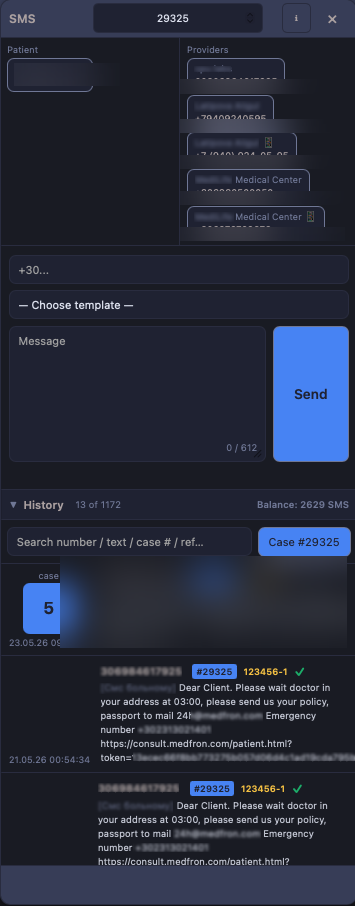
Text patients and providers with templates, live counts and delivery receipts.
- Latin, Greek & Unicode
- Template variables
- Delivery tracking
More about SMS →
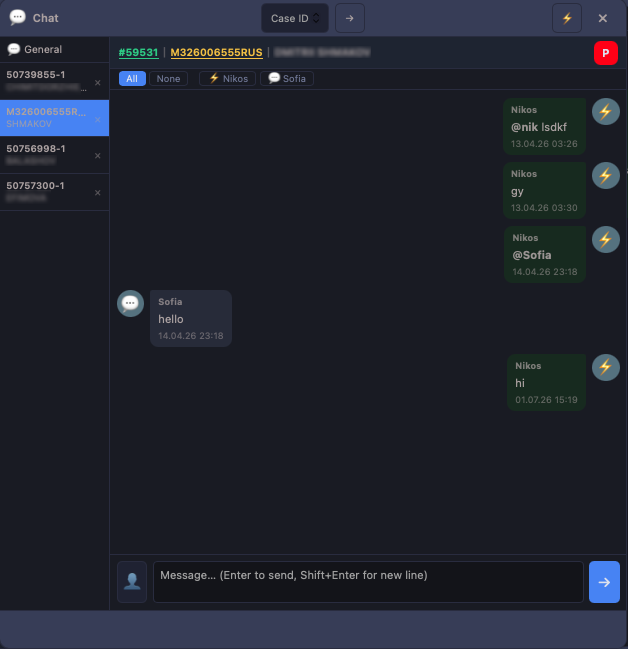
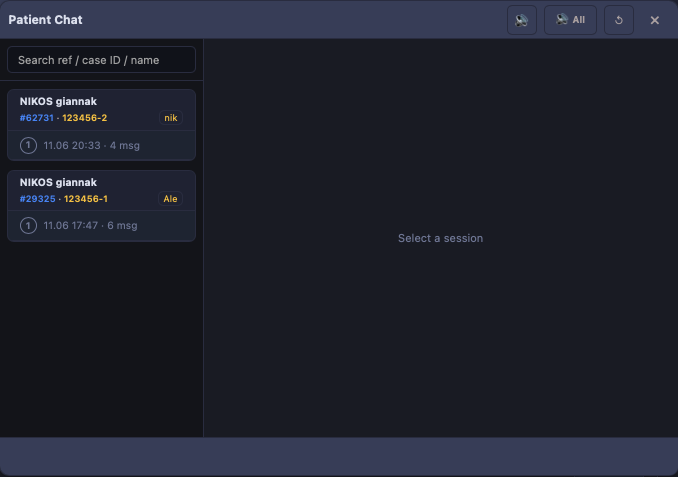
Real-time chat with patients, plus internal channels for the team.
- Patient ↔ operator chat
- Team channels
- File sharing
More about Chat →
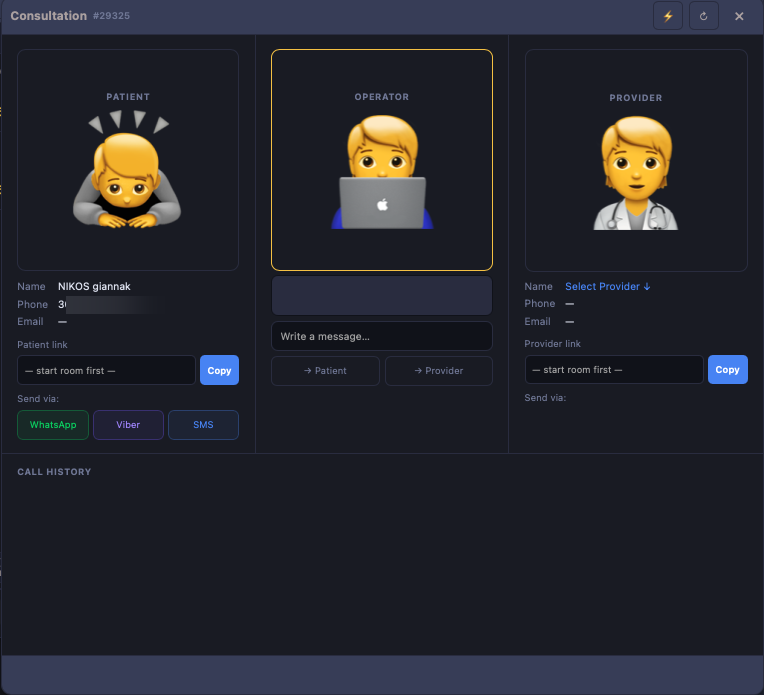
Telemedicine consultations in browser rooms — video, audio and chat, kept on the case.
- Video, audio & chat rooms
- Doctor & patient join by link
- Stays on the case
More about Telemedicine →
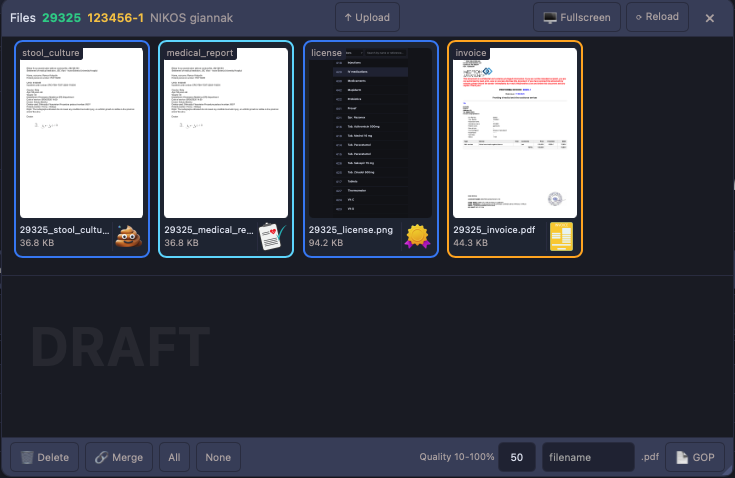
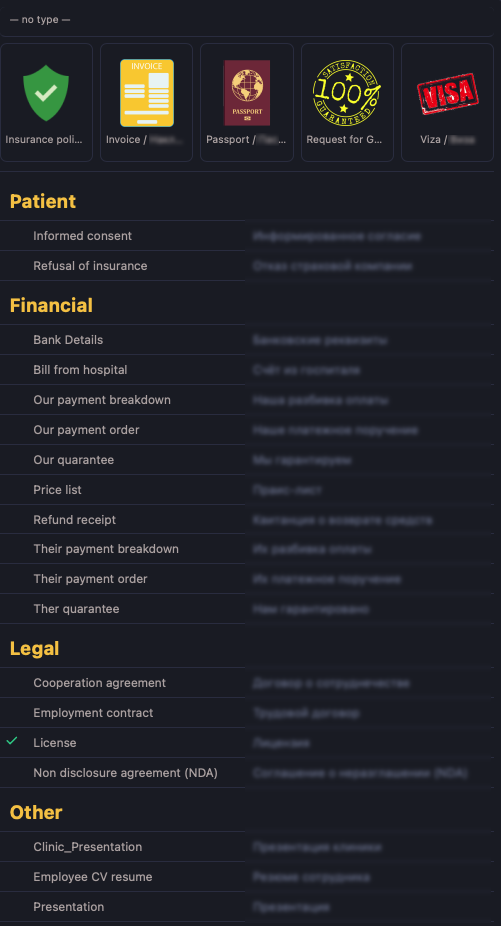
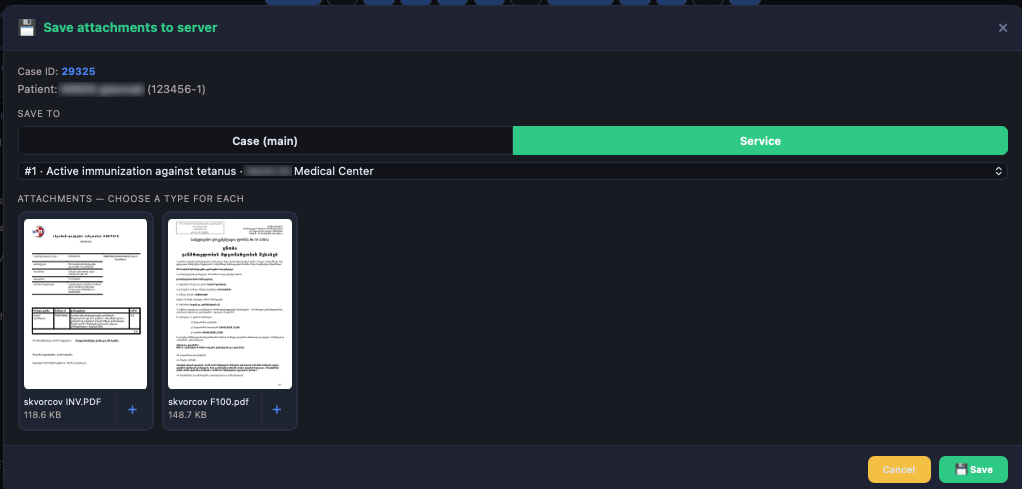
Preview PDFs and images, then assemble documents with drag and drop.
- Thumbnail previews
- Guarantee-of-Payment builder
- Merge & reorder pages
More about Files →
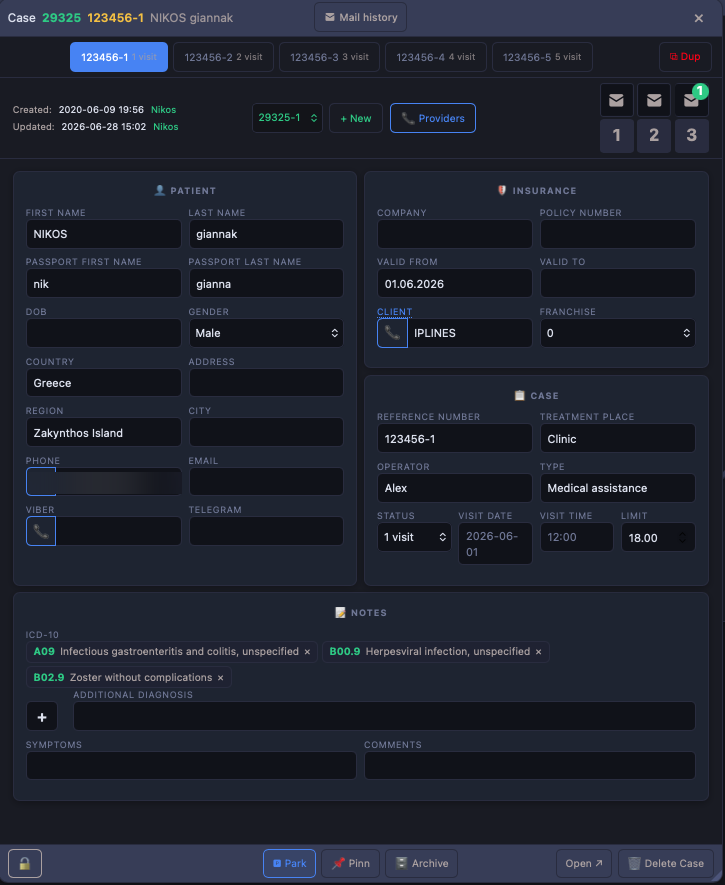
The cockpit that binds mail, calls, SMS, invoices and reports for a single case.
- Everything in one view
- Windowed workspace
- Shared across modules
More about Case card →
Our own model, running on our own servers. It drafts medical reports, suggests replies to patients and reads what arrives — without sending a single record to an outside provider.
- Runs on our servers, not on an outside AI service
- Drafts reports & suggests replies
- Reads voice notes and documents
More about Ailita →
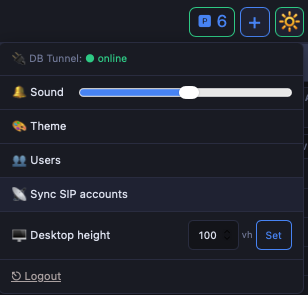
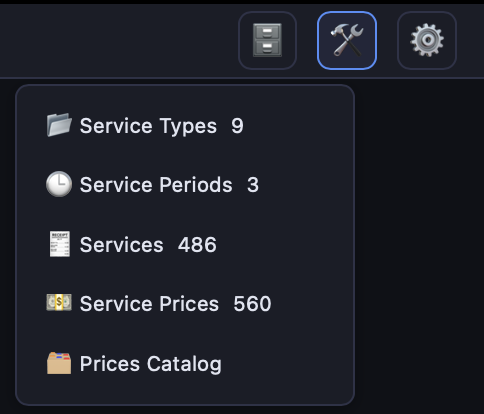
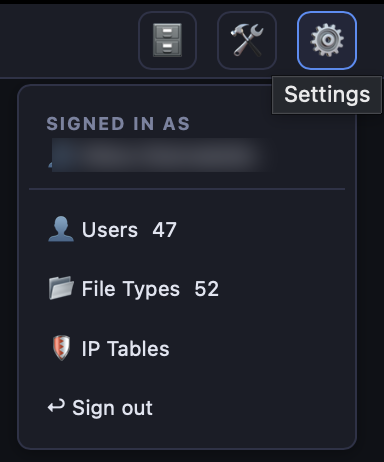
Per-operator preferences and superadmin controls in one place.
- Sound, theme & desktop height
- SIP account sync
- DB tunnel status
More about Settings →
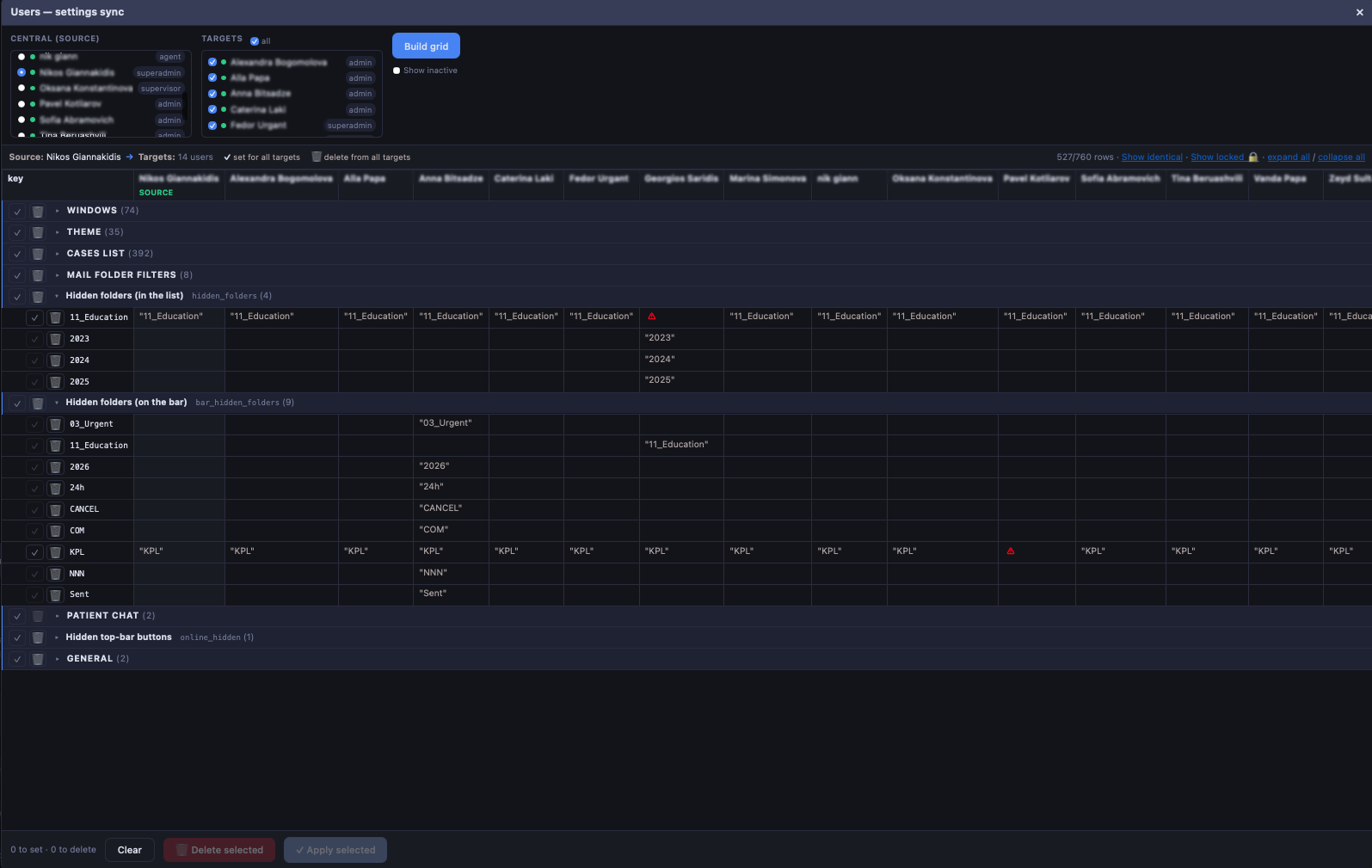
Copy one operator's settings across the whole team from a single source.
- Source → targets grid
- Per-key set, lock & delete
- Windows, theme, filters & more
More about User sync →
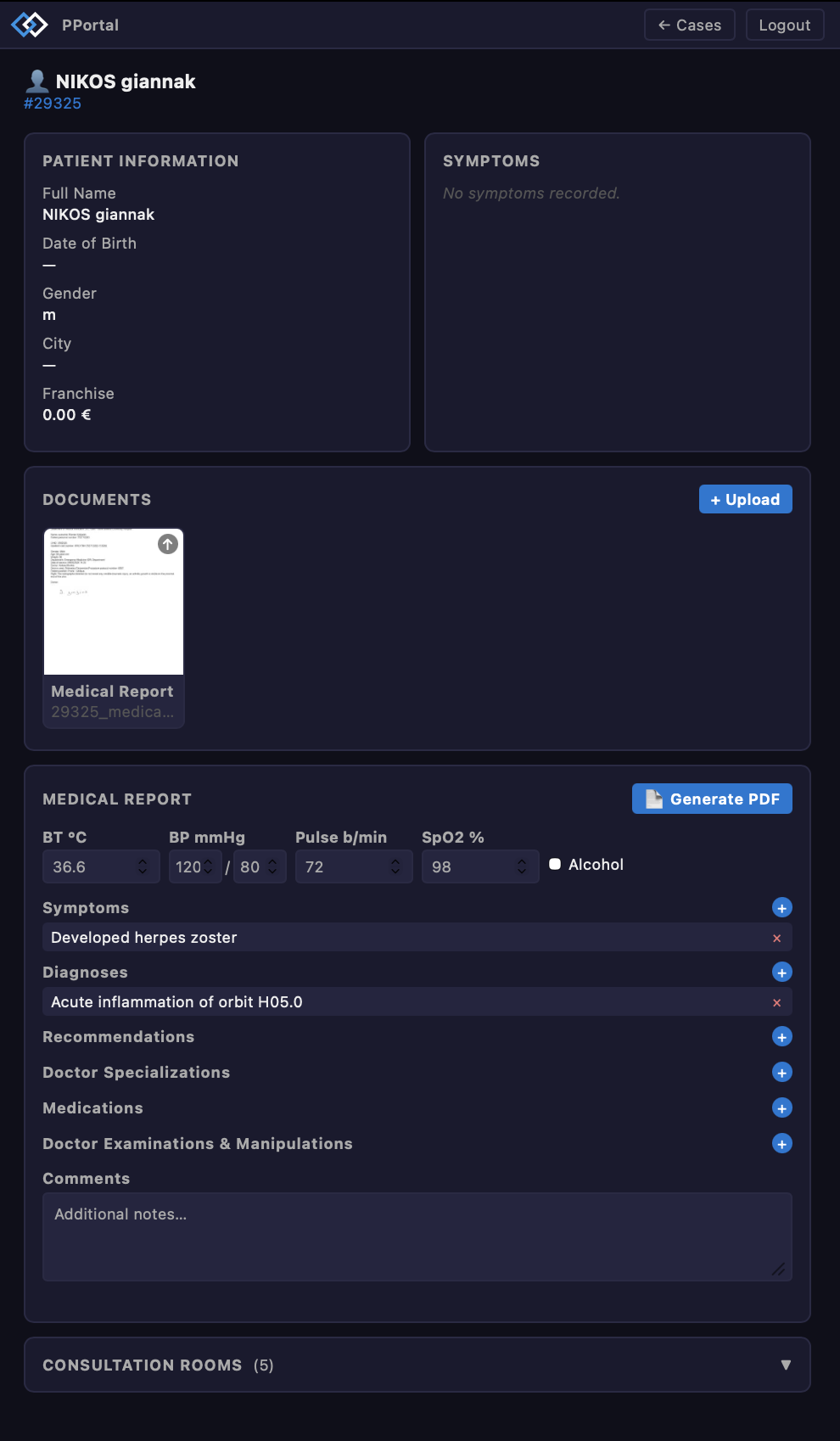
A separate portal where providers open a case, upload documents and fill the medical report.
- Patient info & documents
- Medical report with vitals & ICD-10
- Generate PDF · consultation rooms
More about Provider Portal →
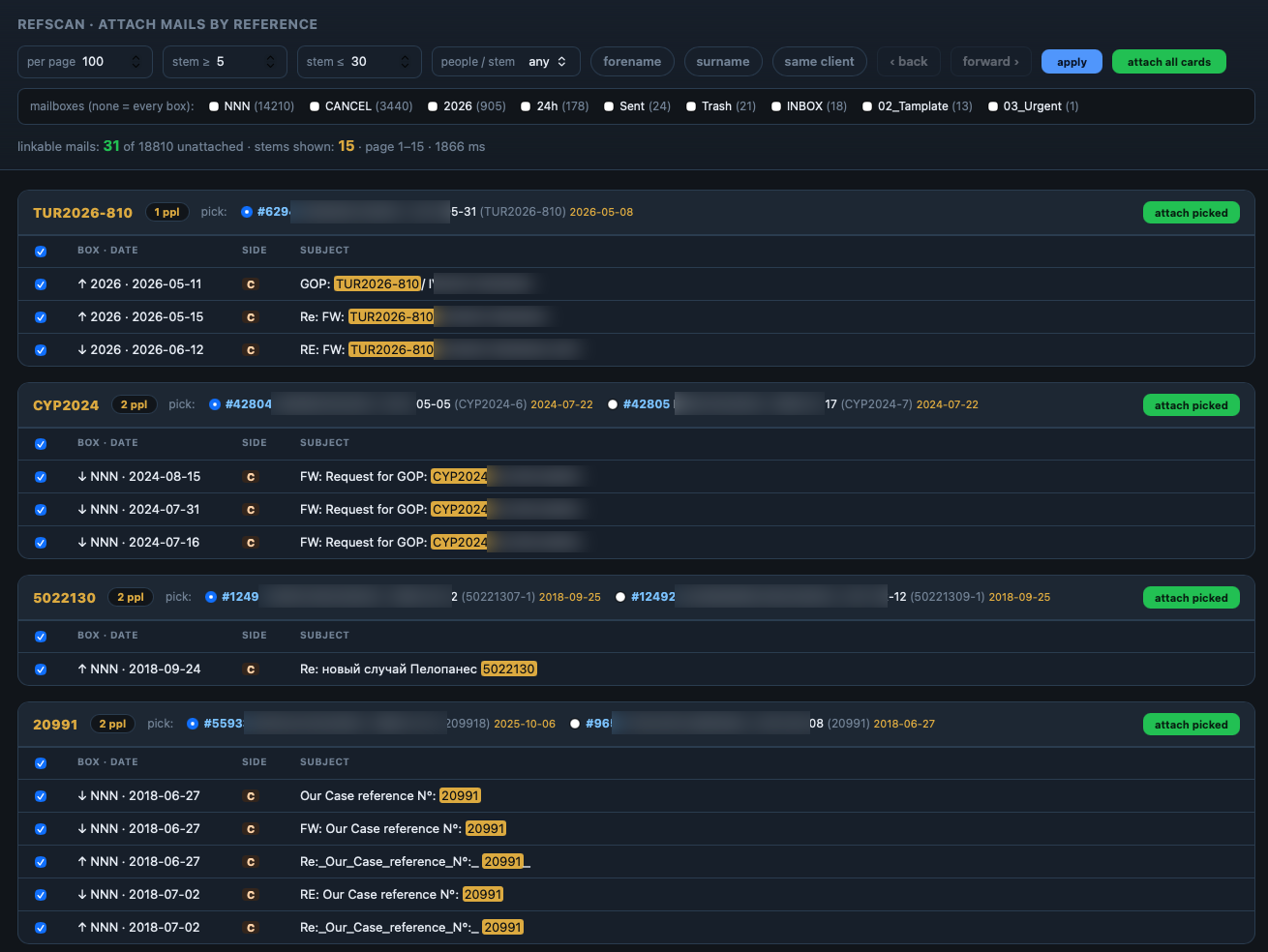
Scan every mailbox by reference number and attach matching emails to the right case in bulk.
- Reference & name matching
- Grouped by person, per mailbox
- Attach picked or all cards
More about Ref scan →
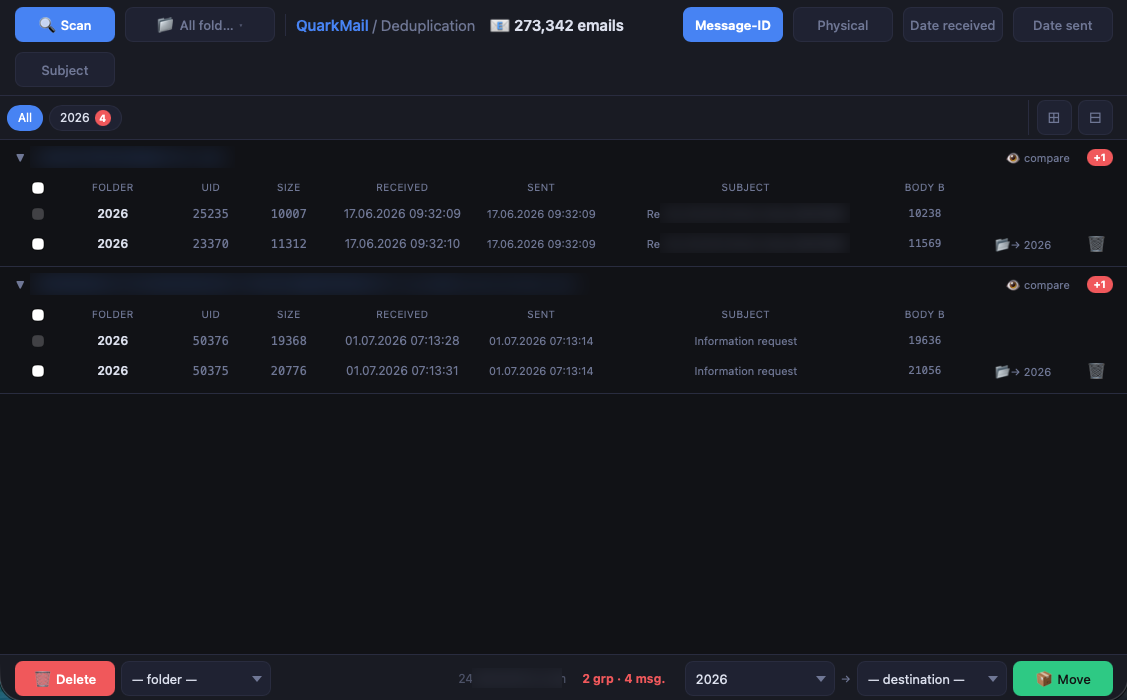
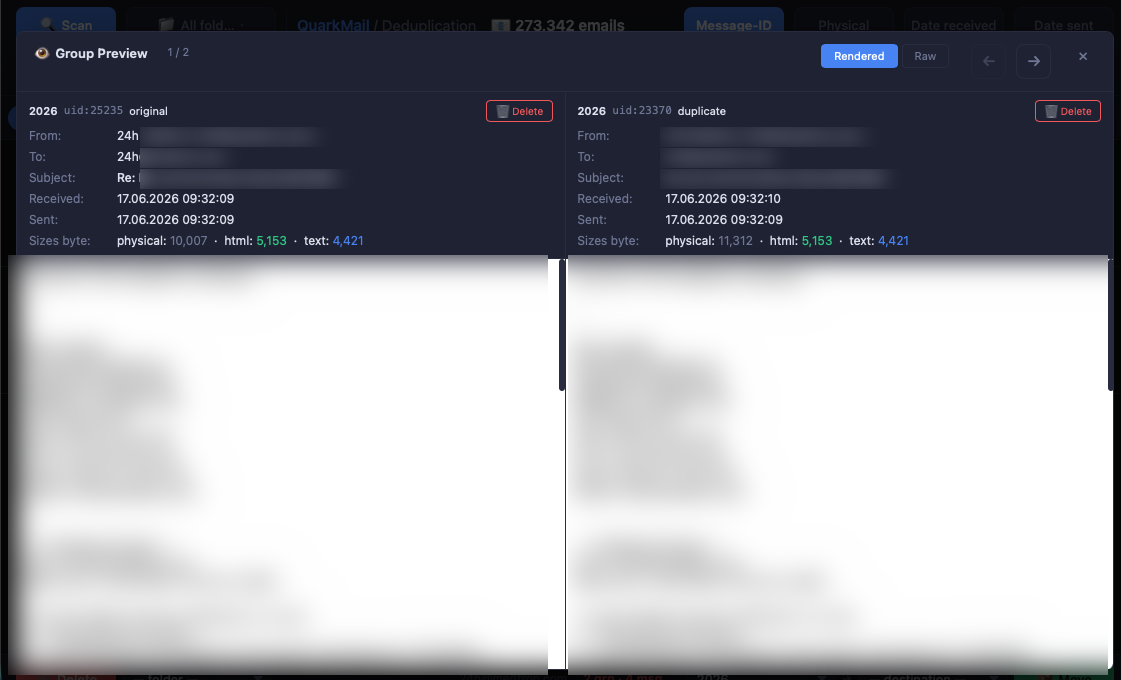
Find duplicate emails across folders by Message-ID, body or date and remove or move them in bulk.
- Message-ID / physical / date match
- Grouped duplicates with compare
- Bulk delete or move
More about Deduplication →
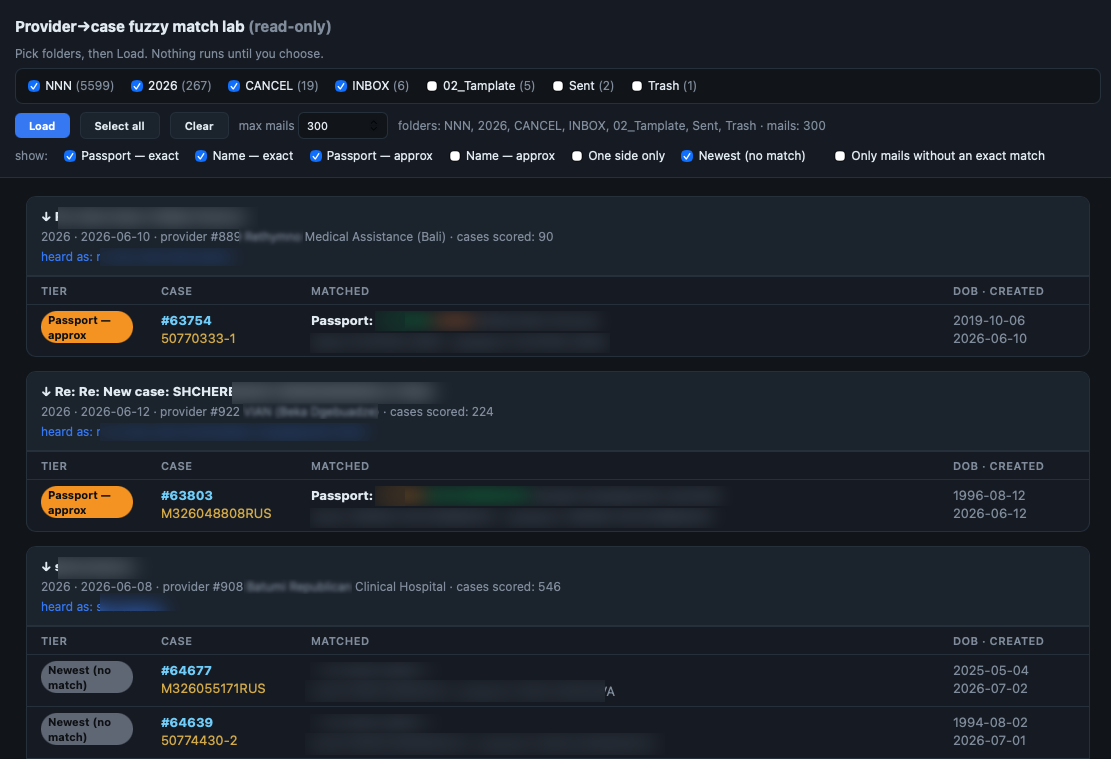
Fuzzy-match provider emails to the right case by name and passport, with scored tiers.
- Passport & name, exact or approx
- Scored match tiers
- Read-only review across folders
More about Match lab →
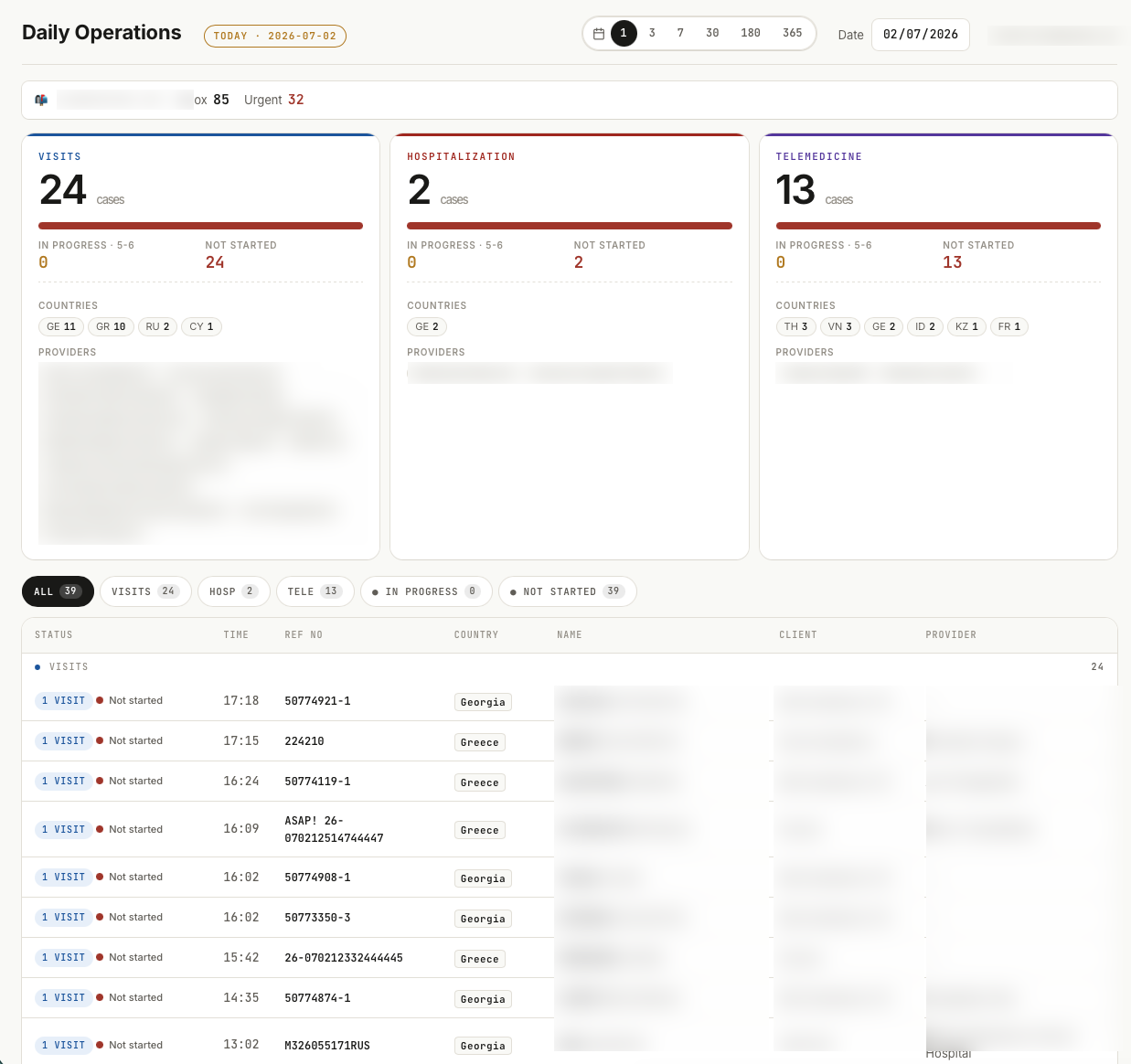
A daily dashboard of all cases by type, country and provider, with a live status list.
- Visits, hospitalization, telemedicine
- Breakdown by country & provider
- Status list with in-progress / not started
More about Daily Operations →
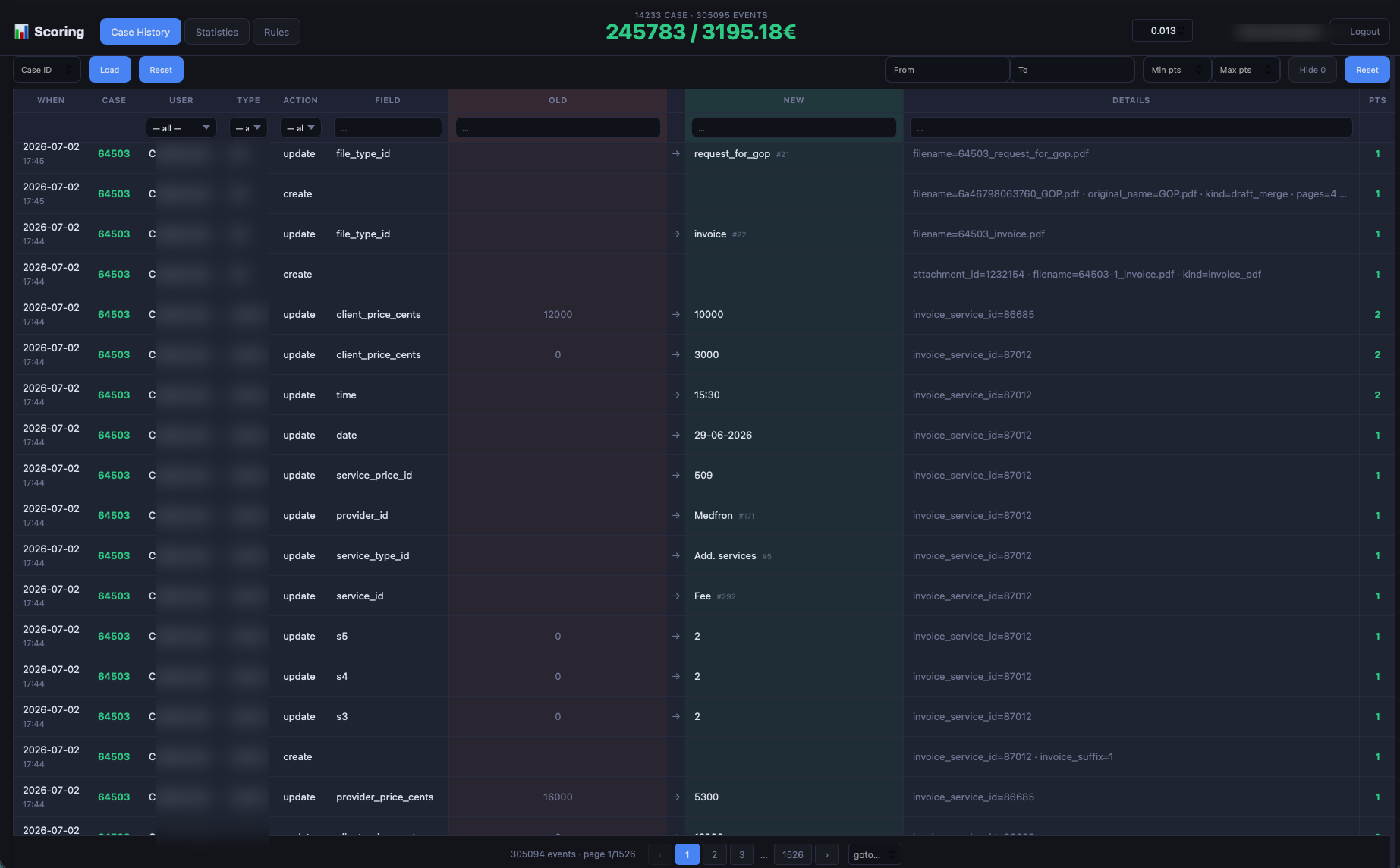
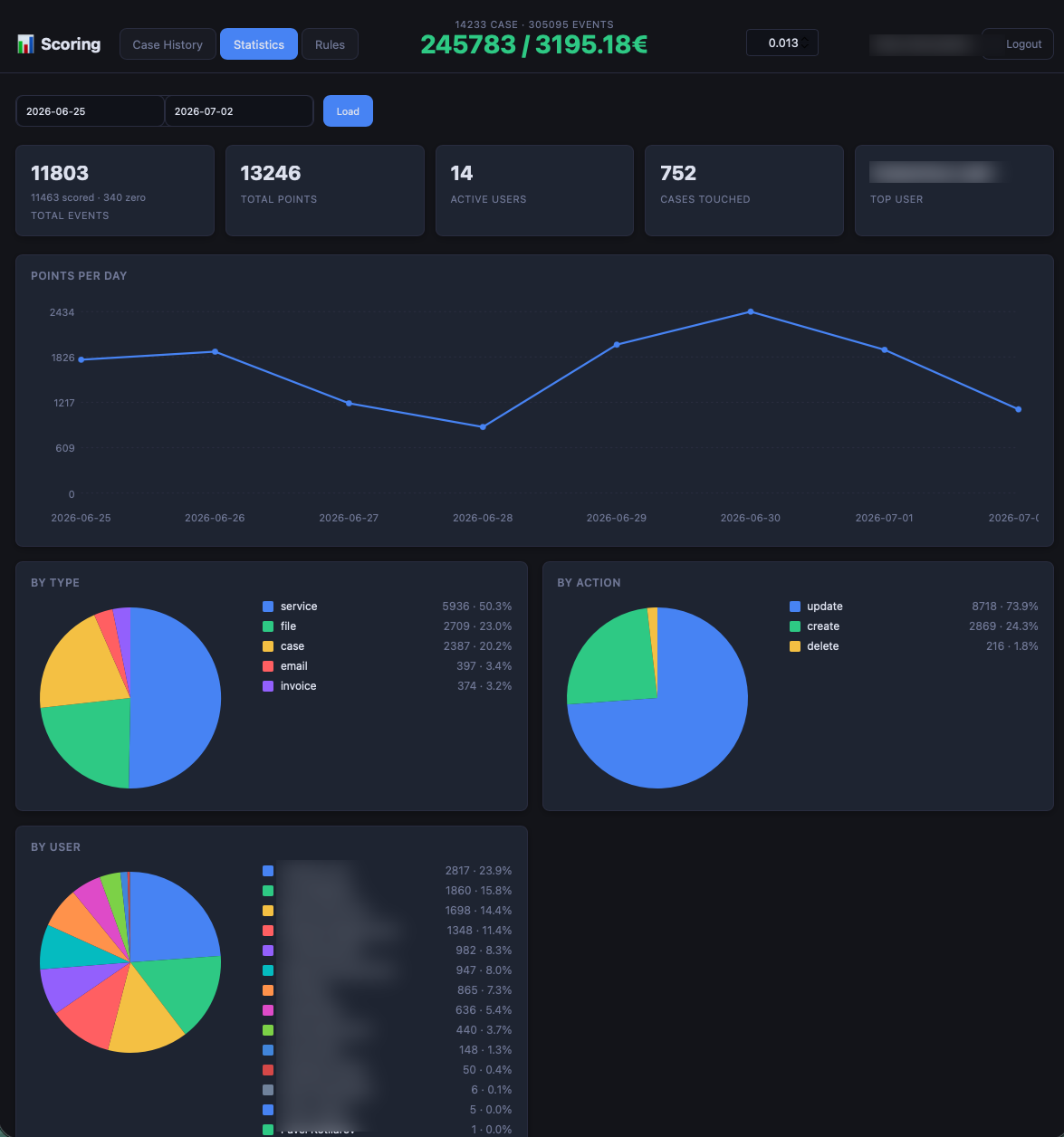
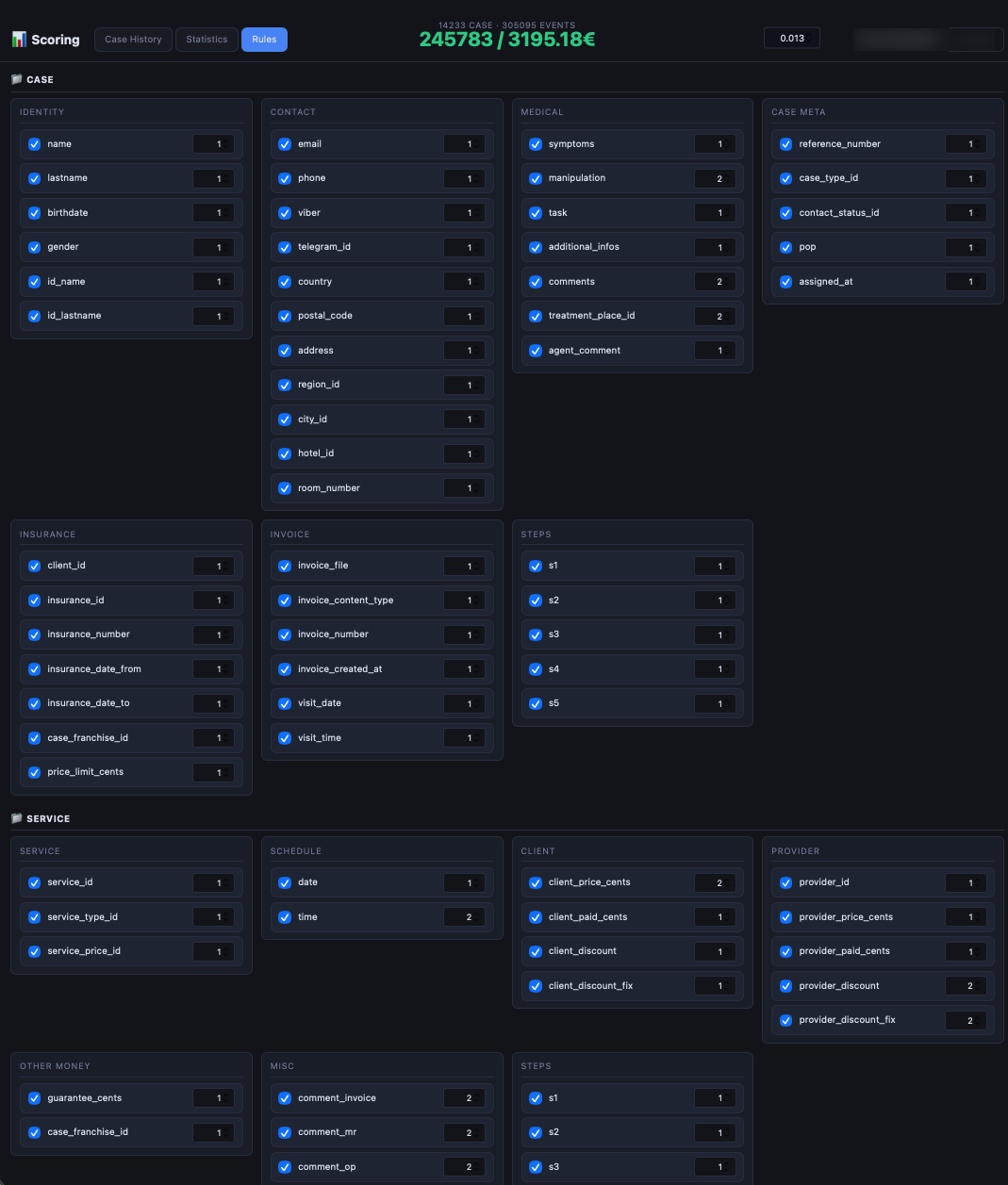
A full audit log of every change on every case, with per-action scoring points.
- Old → new value per field
- Filter by user, type, action
- Points per event & totals
More about Scoring →
 quark
quark